Inventory Guide
What's in the inventory?
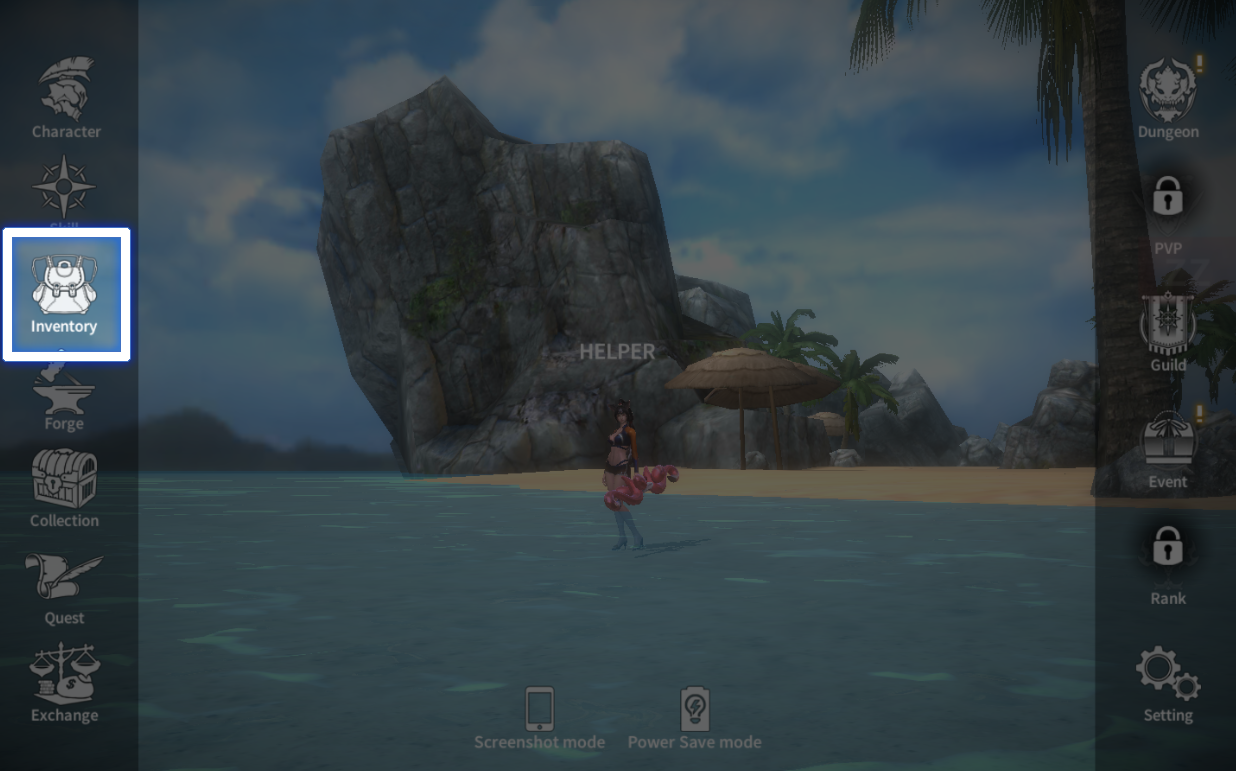
Your inventory can be found at [Menu] → [Inventory].
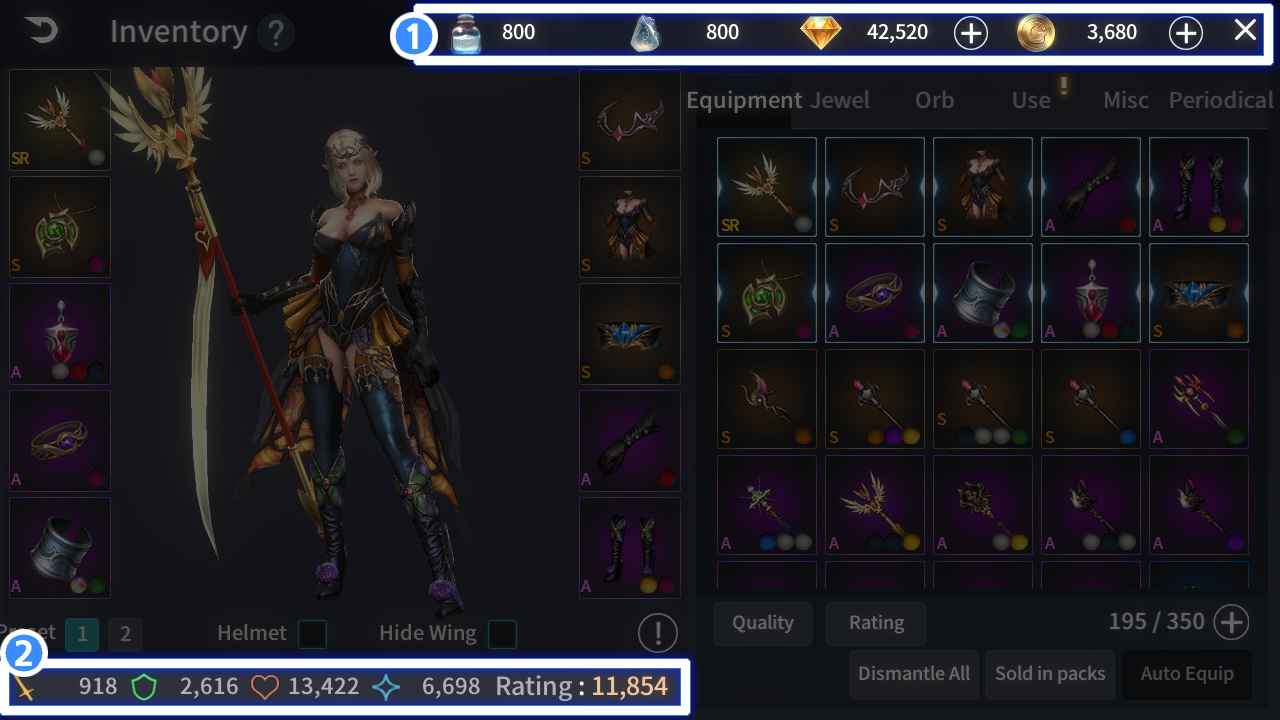
 You can see your assets.
 You can see your character's basic parameters.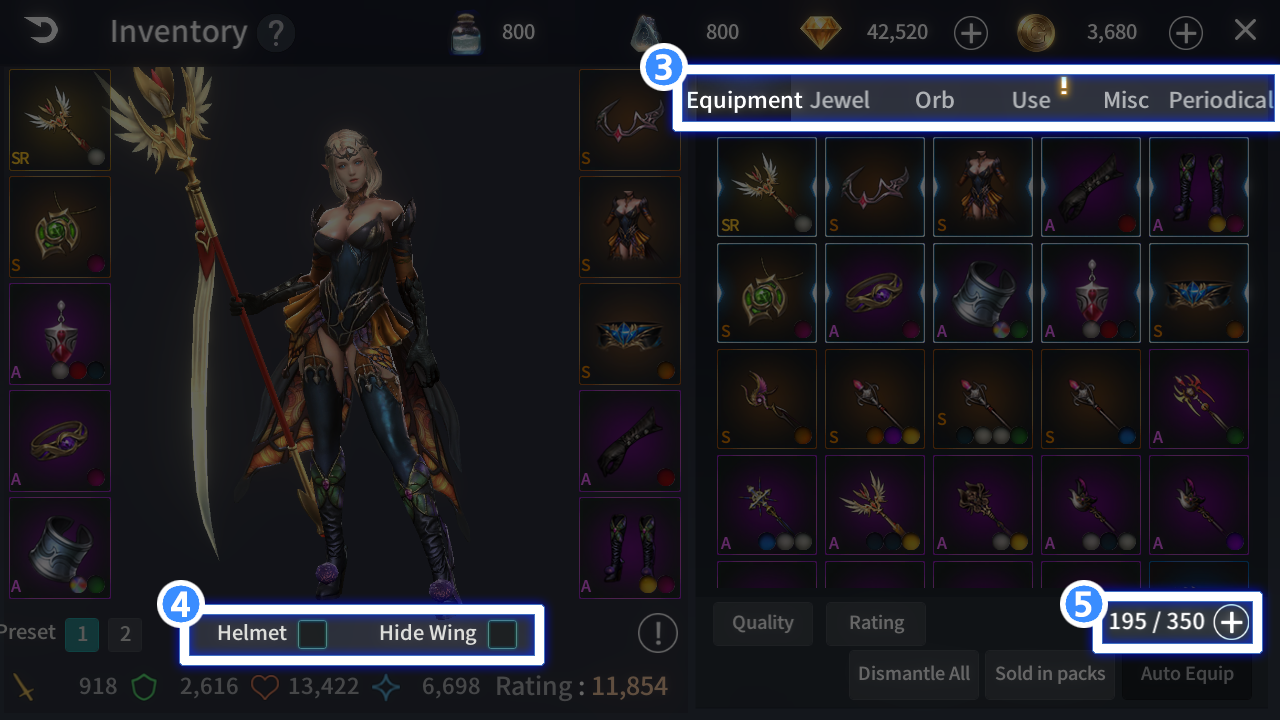
 Each tab will show you different category.
 Check to hide helmets and wings.
 Tap to expand item slots.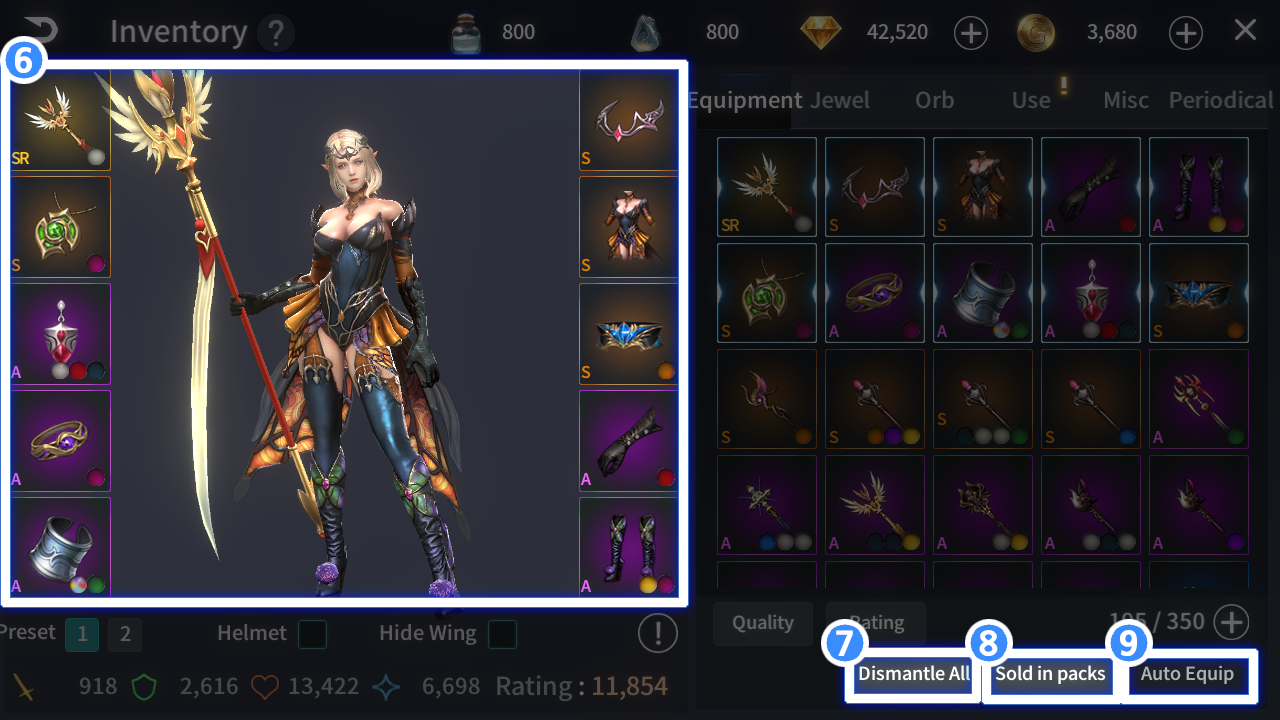
 Preview : Showing all the gears currently equipped on the character.
 Disassemble All : You can disassemble all selected gears at once.
 Sell All : You can sell all selected gears at once.
 Auto Equip : If enabled, the most powerful item of yours will be equipped.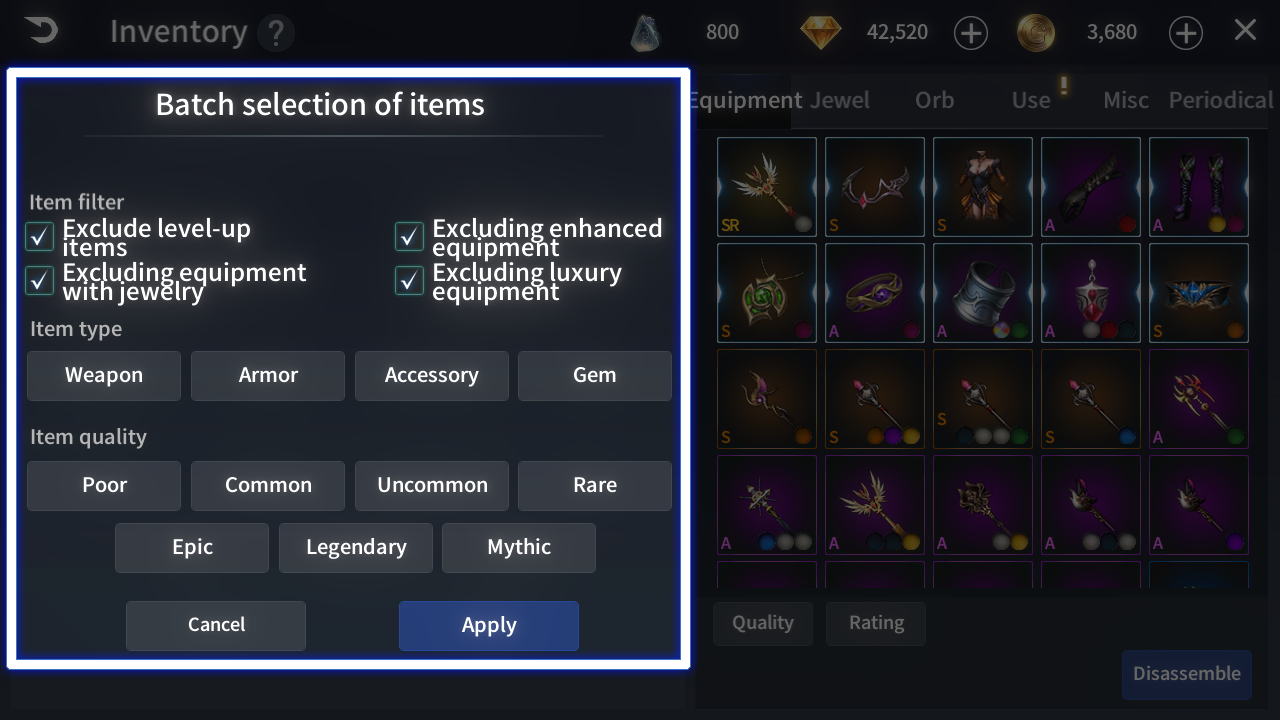
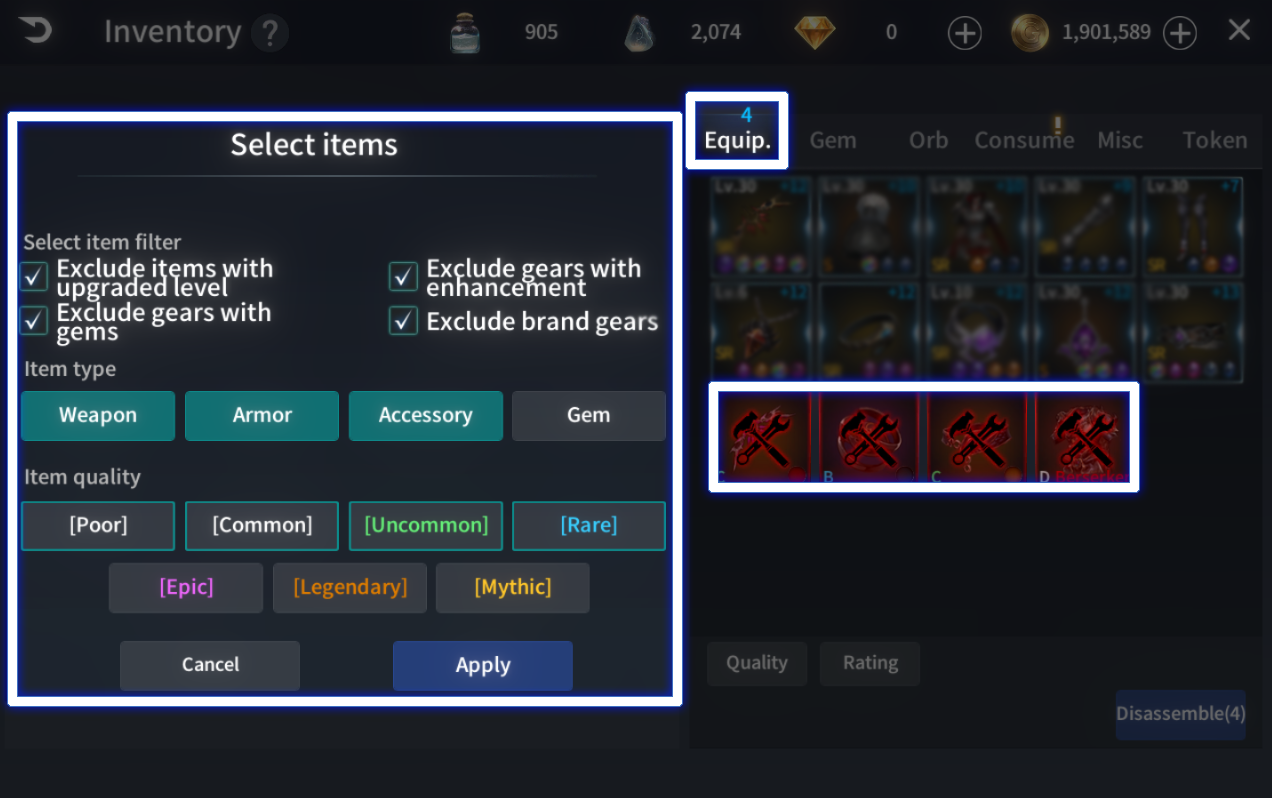
※ You cannot sell or disassembled currently equipped items.